Overview
Slack integration feature on UTOL provides a dedicated UTokyo Slack workspace for course members, including course instructors and enrolled students. Once the instructor activates this integration, students can use the workspace to communicate with their instructor and fellow students.
Preparation
If you have not yet completed the Information Security Education and/or enabled the Multi-Factor Authentication for UTokyo Accounts, please do so.
How to use
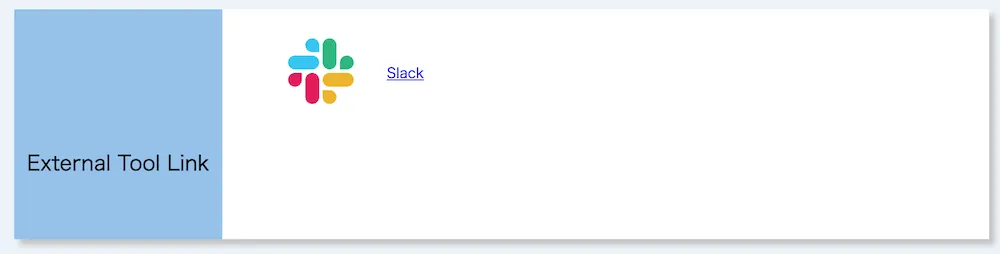
- Click the “Slack” in the “External Tool Link” on the “Course Top” screen.
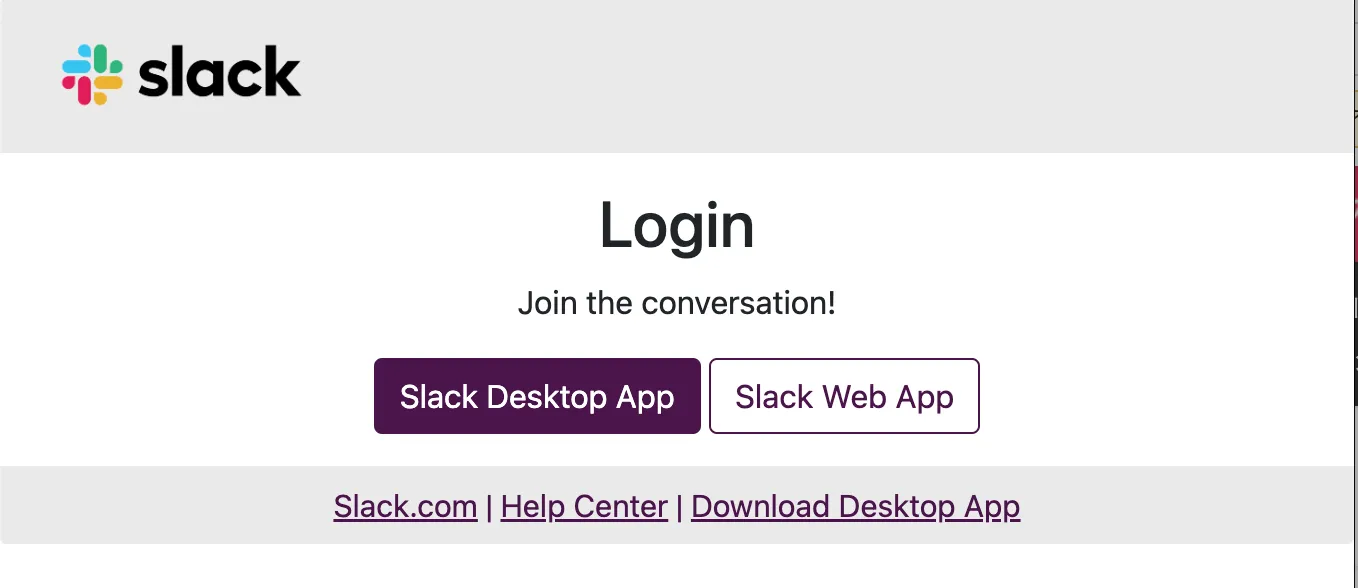
- Use Slack via the Slack app or a web browser.
Supplemental Information and Notes
- Once the Slack integration is activated, participants of the course will be automatically invited to the associated UTokyo Slack workspace through a synchronization process that is executed hourly. Therefore, if you already use UTokyo Slack, you may be added to the workspace without you going through the process of joining.
- The workspace will automatically become inaccessible 30 days after the end of the course period.
- For precautions on using UTokyo Slack, please refer to “Notes and details”.